Web CRM
Lead records, configurable sales workflows, permissions and reporting for consultants, managers and administrators.
tPanel built the web CRM and companion mobile app behind Particle Sales Accelerator. Property sales teams use it to assign enquiries, record conversations and follow a sale through to settlement. Each customer organisation has its own data and settings.
By Tim Wang - Development Manager, tPanel - LinkedIn -> - August 2026
Particle Sales Accelerator supplies a sales platform to commercial property and retirement living organisations in Australia and New Zealand. Hundreds of daily users across dozens of offices use it to manage enquiries, buyer conversations and follow-up.
The product has two jobs: help consultants and managers handle day-to-day sales, and give Particle a platform it can operate for several customer organisations. Each organisation needs its own settings and separate data, while sharing the application code.
tPanel delivered the first release in May 2018 and has continued to develop and support it. The work has included reporting, integrations, backend upgrades and a mobile app rebuild during 2025 and 2026.
tPanel built the web platform and mobile app and continues to maintain and develop both.
Lead records, configurable sales workflows, permissions and reporting for consultants, managers and administrators.
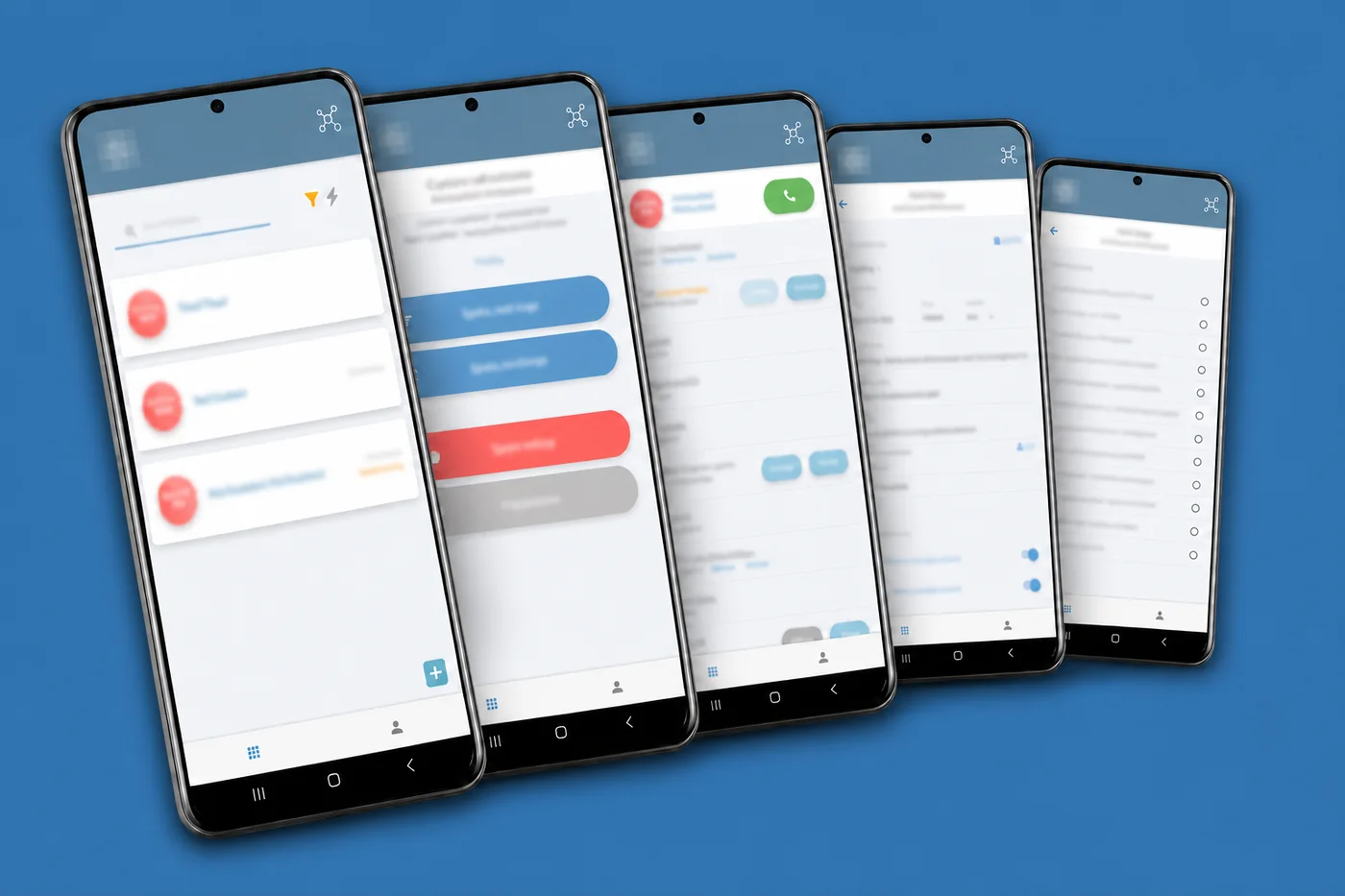
Assigned leads, conversation history, call outcomes and on-site forms, rebuilt in Flutter during 2025 and 2026.
Tenant database routing, integrations, backend upgrades and continued maintenance after the first release.
Planning a custom CRM - Scoping lead allocation and follow-up
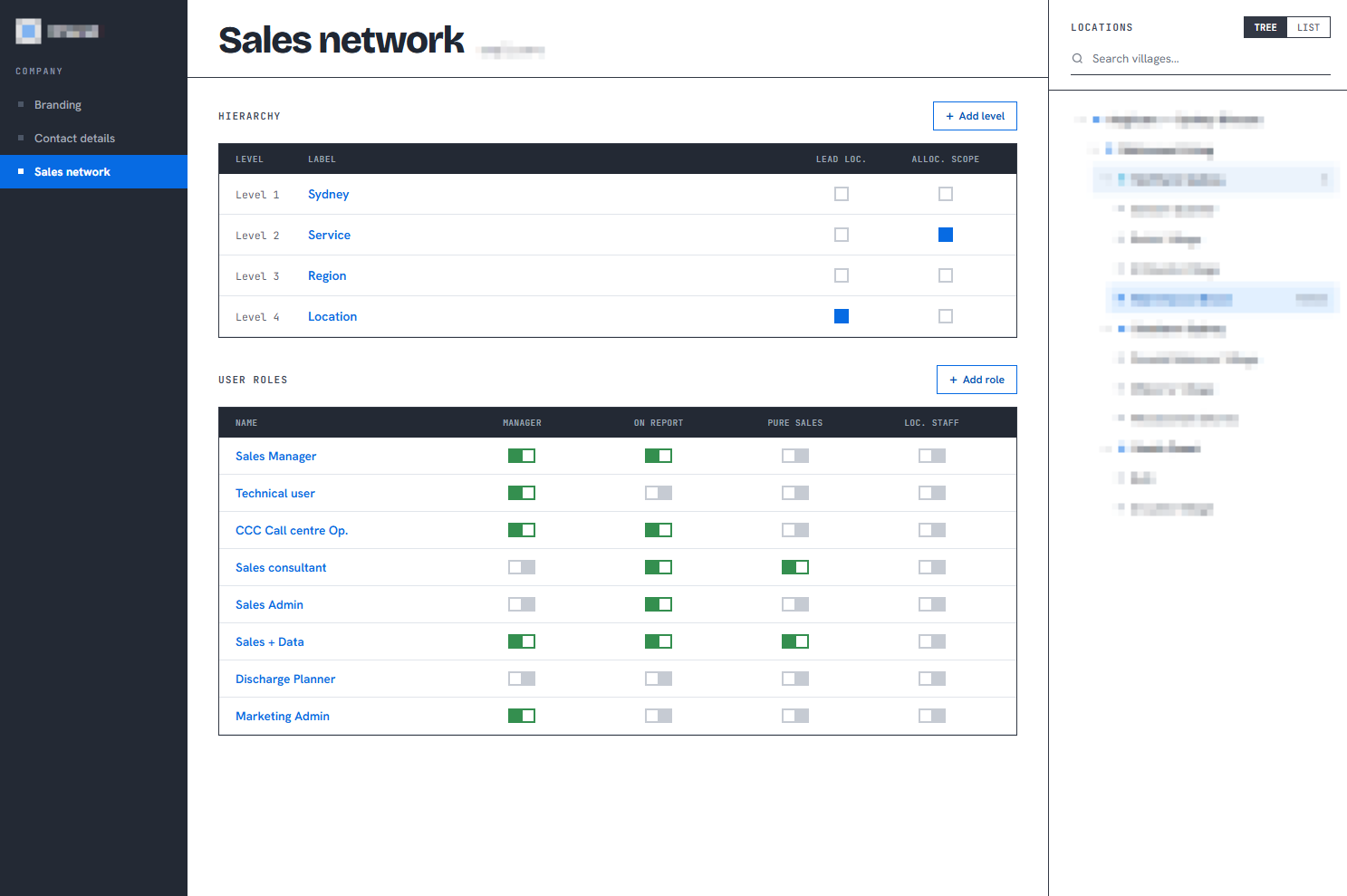
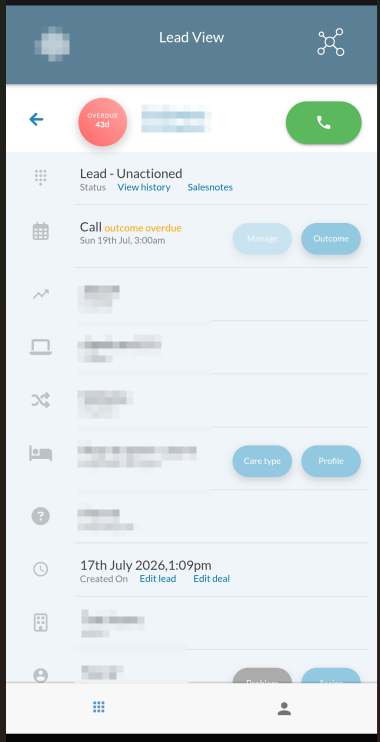
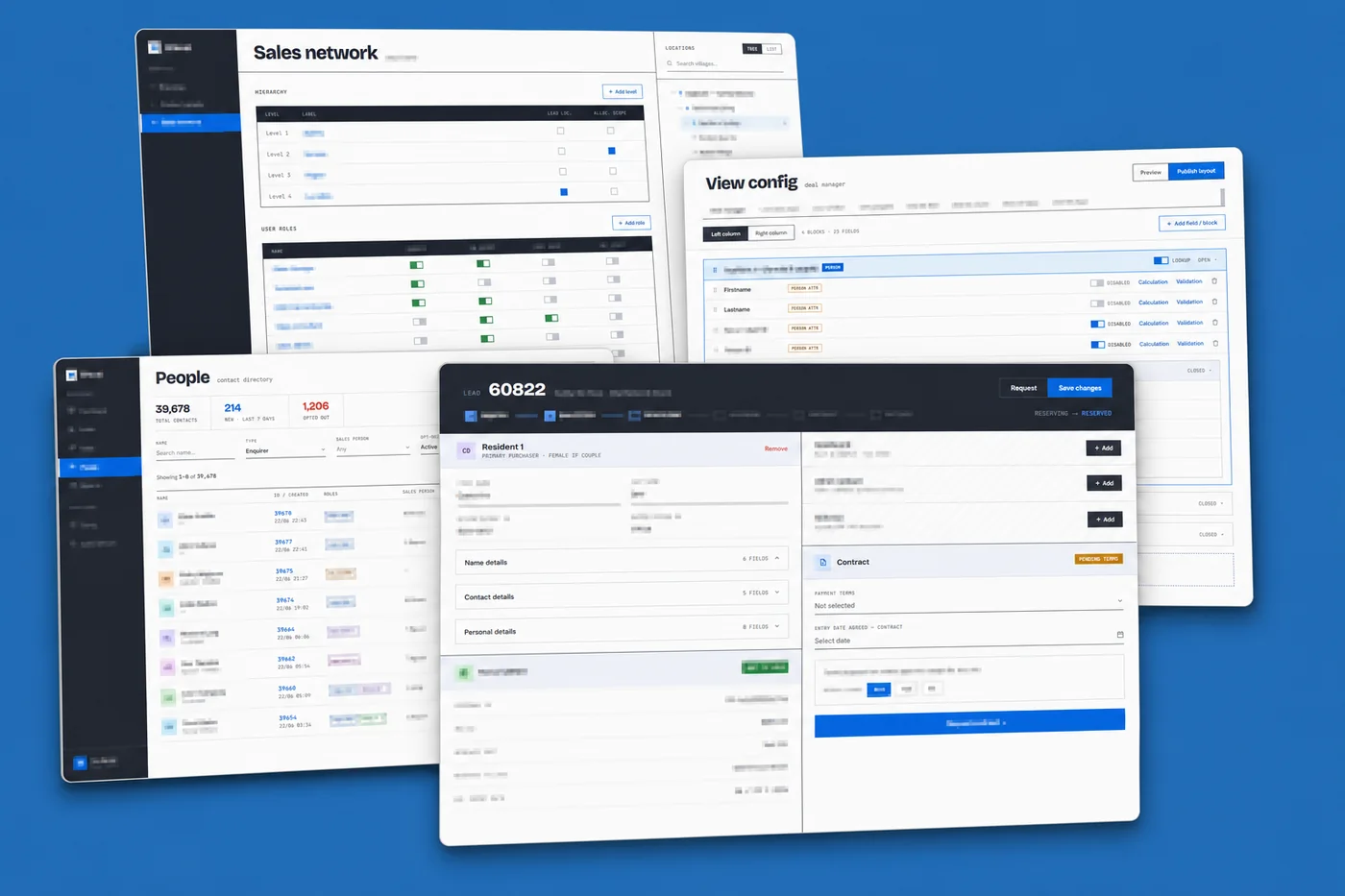
Administrators configure the sales network, permissions and lead records in the web platform. Consultants use the mobile app between appointments to find their leads and record what happened. The client has approved these screenshots for publication.
Tenant branding and customer data have been obscured.

Who this case study is for
The right database arrangement depends on your customers' data and operational requirements. Section 02 explains the approach used for Particle.
Scott and Bryn commissioned the platform and continue to work with tPanel. Here is their feedback on the development and ongoing support.
Scott Graham also published an independent review on Clutch on 11 October 2026, rated 5.0 out of 5 and marked Verified by Clutch. Read the Particle review on Clutch.
We've worked with tPanel for more than ten years, starting with the development of a sales CRM and continuing to evolve it ever since. During that time, the team has delivered major product builds, integrations, automations and companion applications, tackling complex technical challenges with professionalism and expertise. They have always been responsive, accountable and easy to work with. tPanel consistently delivers high-performing, reliable and secure solutions, making them a trusted long-term partner.
 - Scott G. - Managing Director, Particle Sales Accelerator
The tPanel team deliver quality software at a reasonable price, providing real value. They support what they build, which is the element that makes the solution a success. The level of skill and ability to manage complex cloud environments and complex APIs is high. The team is very much aware of how to build secure platforms that protect client information from unauthorised access. The commitment to prompt problem resolution is very high. I would recommend tPanel.
 - Bryn N. - CTO, Particle Sales Accelerator
Property sales teams receive enquiries through advertising, portal listings, campaigns, events and referrals. They need a way to assign those leads, keep a record of each conversation and schedule the next contact.
A first call does not finish the job. The consultant needs to record the conversation and schedule the next contact. If the lead changes hands, the next person needs that history without asking the buyer to repeat it.

Consultants spend much of their time at inspections, display suites and on site. They need to check a lead's history and record a call on their phone, without waiting to return to the office.

Managers need to see how consistently enquiries are being followed up across offices. That requires records of contact attempts, response times and the reasons leads are marked as lost, alongside the deals that close.
The brief brought these needs together: assign enquiries, keep the conversation history, schedule follow-up and give managers a record of activity across offices.
The app shows consultants their assigned leads and each lead's contact history. They can call a buyer and record the outcome while away from the office, keeping the record available to the rest of the team.
Each tenant can configure follow-up rules. The system uses those rules to schedule calls, emails and meetings, giving consultants a list of actions due.
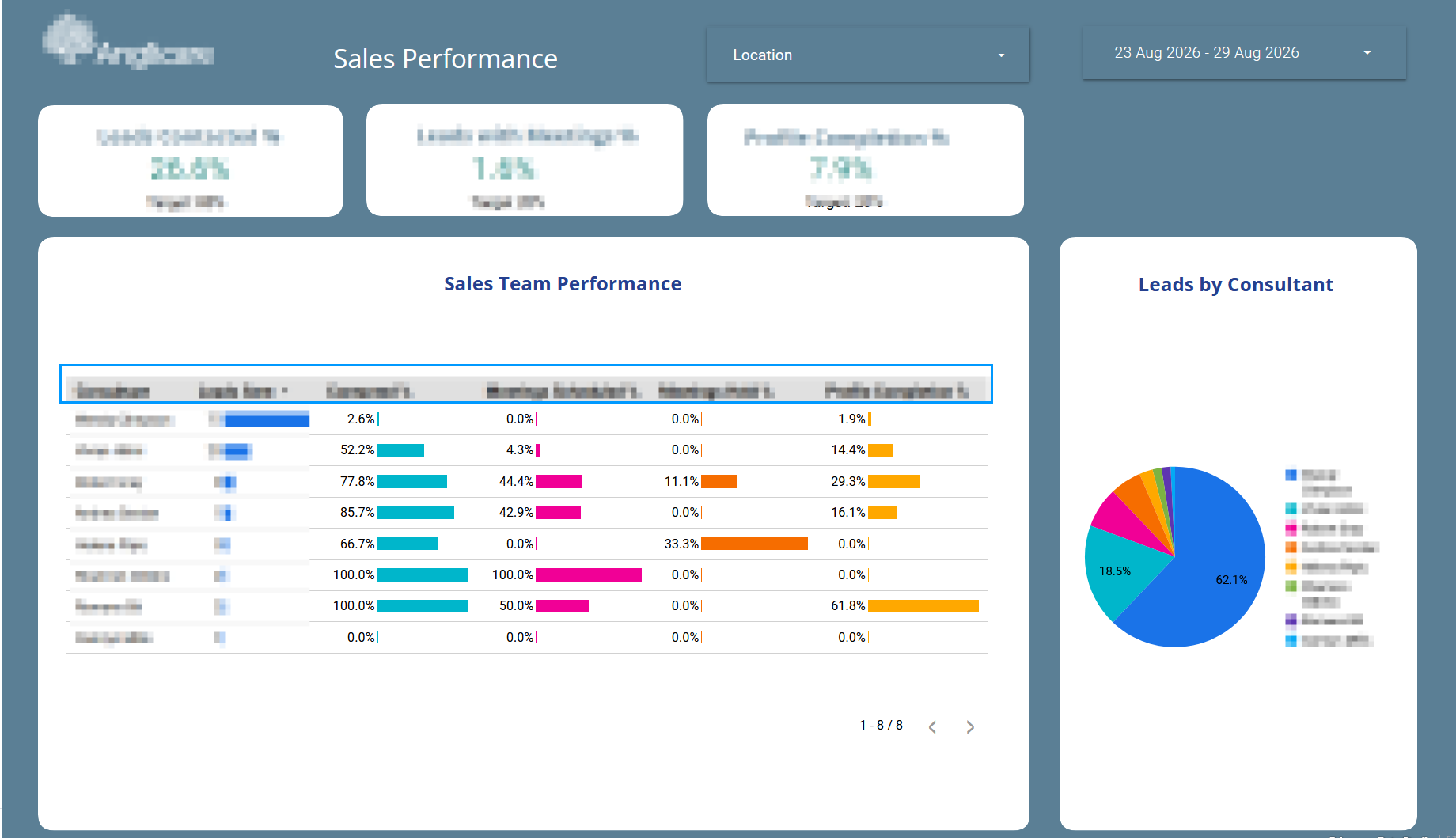
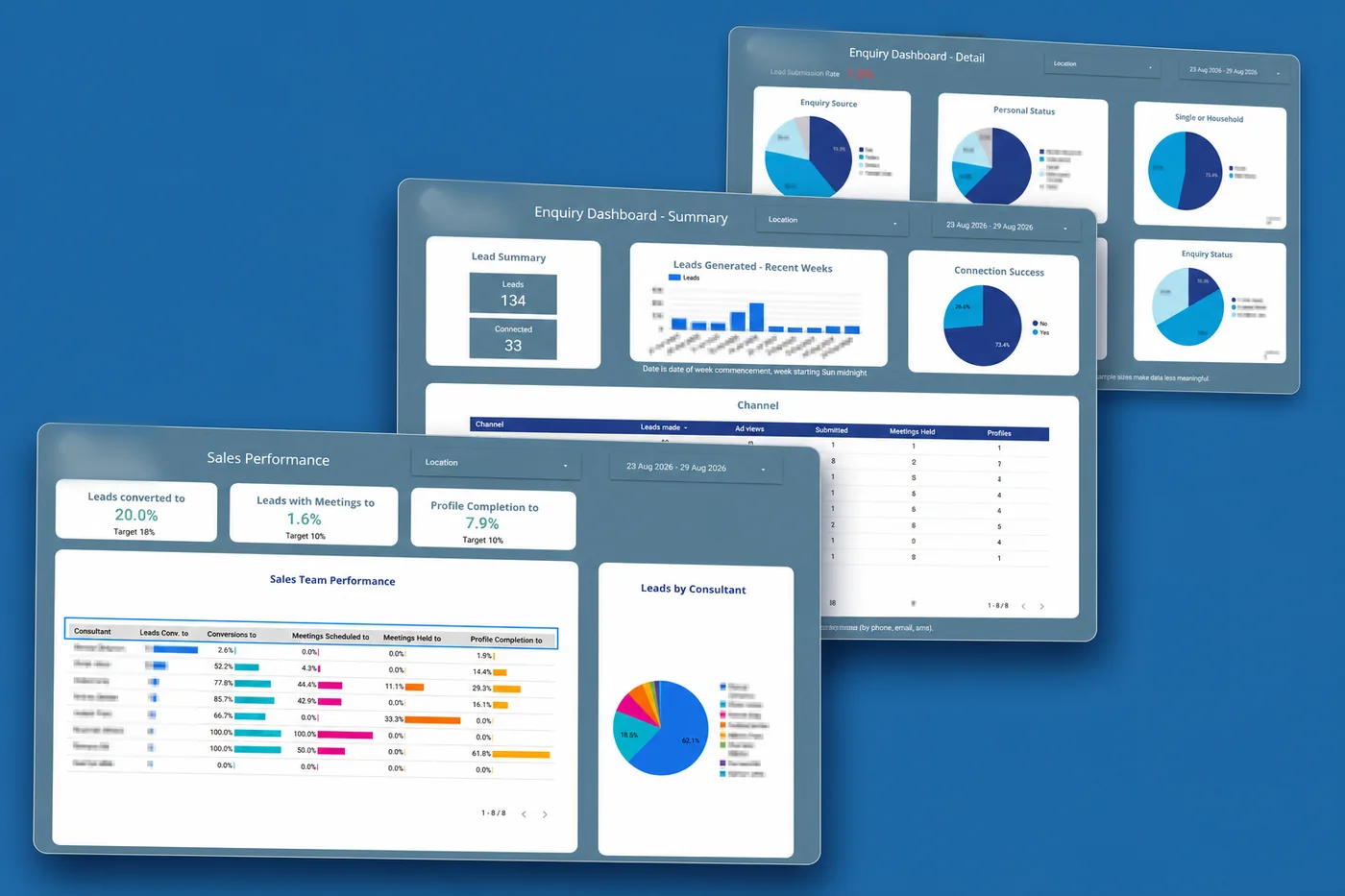
Reports show the proportion of enquiries contacted, response times and contact attempts. Recorded loss reasons help managers review where leads are dropping out of the pipeline and which offices need support.
The reporting screens below show how managers review this activity:
The custom CRM follows the property sales process: enquiry, qualification, reservation, contract and settlement. A reservation holds a specific property and makes its status visible to other consultants. The system tracks the sale through to settlement, which can happen months after the contract is signed, with follow-up rules for each stage.
The platform separates application services from tenant databases. Web traffic, mobile API requests and background jobs each have their own server pool, while each tenant has a separate database. This allows capacity to be adjusted for different parts of the system.
The technical choices below support those requirements. Separate databases allow tenant-level backups and restores; separate service pools keep web, mobile and background workloads independently manageable.
Each tenant has a separate database. This supports individual backups, restores and exports. Tenant routing and access controls determine which database a request can use.
A tenant can have a dedicated database server or cluster when needed. The application supports these different database arrangements within the same codebase.
Writes go to the primary database, while read replicas can handle reporting and dashboard queries. This reduces competition between reporting work and day-to-day updates such as saving a lead.
Report generation, bulk imports and integration jobs run on a dedicated worker pool. These longer tasks can be processed separately from requests made by people using the web platform or app.
The web platform and mobile app API run on separate server pools. Each can be scaled or deployed independently as traffic and release requirements change.
A connection manager selects the database endpoint for each tenant before the request's business logic runs. This keeps connection selection in one place rather than repeating it throughout the application.
These are some of the decisions involved in a SaaS platform build. For Particle, the arrangement supports customers with different data and capacity requirements while keeping one shared application.
The current platform uses:
The platform connects to email and SMS services, push notifications, web enquiry forms, calendars, electronic signatures, document management and single sign-on. These integrations are configured around the services each tenant uses. For example, calendar sync keeps appointments available in the consultant's calendar as well as in the CRM.
The core arrangement of shared application services and separate tenant databases remains in place. The mobile app and backend have been updated around it, alongside the continuing work of supporting users and adding product features.

tPanel began providing development services to Yellow Brick Road in March 2016. Scott was Chief Commercial Officer and Bryn was Online Marketing Director, and both were involved in that work.
After moving to Particle Sales Accelerator, Scott became Managing Director and Bryn became CTO. They engaged tPanel to build the sales platform, which launched in May 2018. The relationship has continued through new features, integrations, the mobile app rebuild and ongoing support.
Common questions about custom CRMs, tenant data and property sales workflows.
Particle needed a product it could provide to multiple customer organisations, with property sales workflows, tenant-specific settings and separate databases. Those requirements shaped the custom build.
For another business, the starting point is to check how well an existing CRM can be configured to meet its needs. Compare any remaining gaps with the cost of building and maintaining custom software.
Follow-up can be missed when a lead has no clear owner, the next contact is not scheduled, or the previous conversation is difficult to find. A CRM can help by keeping that information together and making outstanding actions visible.
Particle combines mobile access to lead records, scheduled follow-up tasks and activity reports. Managers can review contact attempts and recorded loss reasons to identify where the process needs attention.
A multi-tenant CRM serves several customer organisations, known as tenants, through a shared application. Each organisation has its own users, settings and data access.
Platforms handle data separation in different ways. Particle uses a separate database for each tenant, which supports individual backups, restores and capacity changes.
No. The choice depends on data requirements, customer sizes and how the platform will be operated. Separate databases can be useful when you need to back up, restore or move one tenant's data independently.
They also require more operational work: database changes must be applied across tenants, and connections and backups need to be managed for each one. Separate databases still need appropriate access controls and tenant routing.
Yes. Particle's workflow covers enquiry, qualification, reservation, contract and settlement. It includes property availability, contract documents and the period between signing and settlement.
Whether this requires a custom build depends on how well an existing product can support the specific rules and integrations involved.
Particle's first release launched in May 2018 with lead allocation and a companion mobile app. Reporting, integrations and other capabilities have been developed over subsequent releases.
This history is not a schedule for a new CRM project. A new build needs its own scope for workflows, integrations and migration. Start with one complete workflow and agree what must be ready at launch. Our development process guide explains how we plan those phases.
The original app used Ionic and Angular. As it added offline features, more complex interactions and larger lists, performance on older devices became a concern.
The team rebuilt the app in Flutter during 2025 and 2026 for iOS and Android. The migration was delivered screen by screen so it could be introduced in stages.
Tell us who uses it, what you use today and where the work gets difficult. We can discuss whether to adapt your existing tools or build something around your process.