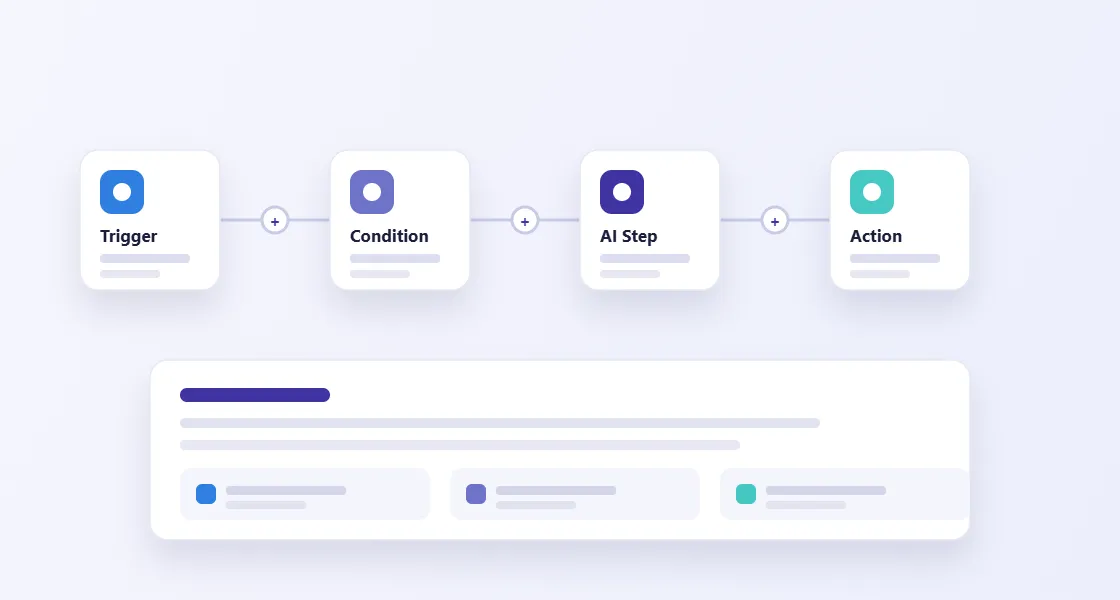
tPanel helps businesses automate repetitive workflows, data handovers, approvals, notifications, reporting and internal tasks with custom software built around the way the team actually works.
The goal is not automation for its own sake. The goal is fewer errors, faster response times and clearer visibility.
Signs Your Workflow Needs Automation
Many businesses do not notice process friction until it becomes normal.
Your team may need automation if:
- Staff copy data between systems every day
- Approvals happen through emails or chat messages
- Reports are built manually from several sources
- Customers wait because internal handovers are unclear
- Work is delayed when one person is away
- Teams use spreadsheets as unofficial systems
- Managers cannot see where a process is stuck
Automation turns repeated manual steps into consistent workflows.
What Can tPanel Automate?
Business process automation replaces the manual steps between systems — copying data, sending reminders, generating documents, chasing approvals — with software that runs them automatically. tPanel automates processes like these:
Data Entry and Handover
Move information between forms, CRM, accounting tools, dashboards and internal systems through reliable system integration, without repeated copy-paste.
Approvals and Notifications
Create structured approval flows with role-based actions, reminders and clear status tracking.
Sales and Customer Workflows
Automate lead assignment and follow-up, customer status changes and internal alerts.
Reporting Workflows
Collect data from multiple systems and turn it into dashboards or scheduled reports.
Document and Email Processing
Extract information from emails, PDFs, forms and attachments and route it into the right system.
AI-Assisted Workflows
Use AI workflow automation where it makes sense: summarising, classifying, drafting, extracting, routing and assisting human decisions.
Custom Automation vs Generic Automation Tools
Tools like Zapier, Make and n8n can be useful for simple workflows. Our business process automation guide covers when to use them versus a custom build.
Custom automation becomes valuable when logic is more complex, data needs validation, workflows require permissions, or the automation must connect deeply with your own systems.
tPanel can build custom workflows or integrate with automation platforms depending on what is most reliable for your business.
How Does a Business Process Automation Project Work?
A business process automation project starts from the process, not the software: tPanel maps how the work flows today, finds the steps that consume the most manual hours, and automates those first.
Process Discovery
We identify repeated steps, delays, handovers, exceptions and the data each step depends on.
Automation Design
We decide what should be automated, what should stay human-reviewed and how errors or exceptions should be handled.
Build and Integrate
We develop the workflow, connect required systems and make status visible to the people who need it.
How a Property Management Firm Cut Approval Time from Six Days to One
A 20-person property management company was processing new tenant applications through email chains. Managers received documents in different formats across multiple inboxes, tracked their review status in a shared spreadsheet, and sent approval confirmations manually. Average approval time was 5.8 days. Applications that landed on a busy day were often delayed further, creating friction with prospective tenants.
tPanel built a custom approval workflow. Applicants submit identity documents, references and lease preferences through a single web portal. The system routes the application to the assigned property manager with a 24-hour reminder. If no action is taken within 24 hours, the application escalates to the director. On approval, the tenant record syncs to Xero and a countersigned lease confirmation is sent automatically.
After launch, average approval time dropped to 1.4 days. Manager time spent on application admin reduced by sixty percent. The workflow handles exceptions and escalations consistently without relying on any individual to remember the process.
How an E-commerce Supplier Cut Daily Quoting Work by 80%
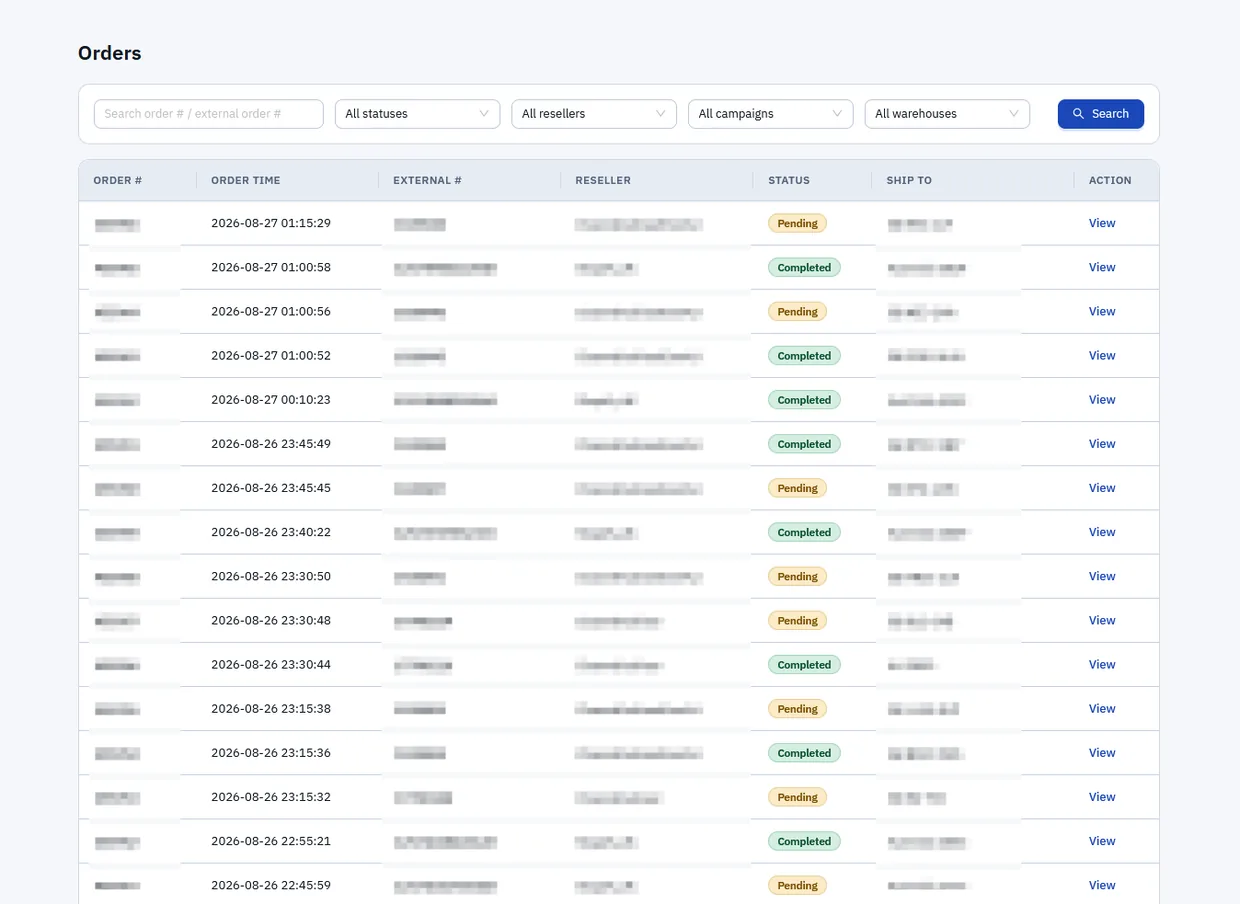
An Australian business that prepares product quotes for large online deal and marketplace platforms — the kind run by OzSale, Catch and Groupon — ran its selection, imagery and pricing as a manual handover between a local team and an overseas one. The overseas team assembled product files into a shared cloud drive; the local team then opened each document, checked the images and prices, made adjustments, and sent the finished quote to the platform. Every quote passed through several pairs of hands and took a long time, and the work lived across drives, documents and email rather than in one system.
tPanel built a custom system that runs the whole quoting workflow in one place. It pulls in the product images and generates the quote file automatically, lets the team adjust pricing inside the system, and sends the finished quote to the platform without a manual handover. It also records cost and order data as quotes go out, so a profit report is produced at the end rather than rebuilt by hand from spreadsheets.
The system cut the time spent on that daily, repetitive quoting work by around 80%, and replaced an ad-hoc handover between two teams with a single structured process. Time that used to go into opening files, re-keying prices and chasing the latest version now goes into selecting products and managing margin — and the business has a clear cost-to-profit picture it did not have before.
How Much Does Business Process Automation Cost?
In Australia, a single-workflow automation — one approval flow, one data sync or one reporting job — typically costs A$3,000 to A$6,000. A multi-step system that connects several platforms, applies business rules and handles exceptions usually falls between A$12,000 and A$45,000, depending on how many workflows and integrations are involved.
Ongoing support is a fixed A$1,000 per month, not a per-seat fee, so the cost does not climb as more of the team relies on the workflow. Most automation projects pay for themselves through saved hours — the property management and e-commerce examples above removed 60% and 80% of the manual work on those tasks.
- Single workflow: A$3,000–A$6,000 one-off
- Multi-step / integrated system: A$12,000–A$45,000 one-off
- Support: fixed A$1,000/month, no per-seat fees
Automation is often one part of a wider set of custom business systems. For a full cost breakdown across project types, see the custom software cost guide for Australia.
FAQ
What is business process automation?
Business process automation uses software to handle repeated business steps such as data entry, routing, reminders, approvals and reporting.
What processes should be automated first?
Start with high-volume, repetitive workflows where errors, delays or manual data movement create clear business cost.
Can automation connect different software platforms?
Yes. Automation often involves connecting forms, CRM, accounting, email, dashboards, databases and third-party APIs.
Does automation replace staff?
The best automation usually removes low-value admin work so staff can spend more time on customer service, sales, decision-making and exceptions.
How is business process automation different from AI workflow automation?
Business process automation follows defined rules to route, remind, sync and trigger actions. AI workflow automation adds AI to interpret, classify or generate content as part of those steps. Both can work together in the same system.
Can you work with our existing tools like Zapier or Make?
Yes. For simpler workflows Zapier or Make are often a good fit. For complex logic, permissions, error handling or deep system integration, custom automation is more reliable and maintainable long-term.
What is the typical timeline for a custom automation project?
A single-workflow automation usually takes 2–4 weeks. A multi-step system connecting several platforms may take 6–10 weeks. We scope clearly before building so there are no surprises.
Make Repeated Work Easier to Trust
If your team is spending too much time moving data, chasing approvals or building reports manually, tPanel can help you automate the workflow.