tPanel designs and develops custom CRM systems for businesses that need better lead tracking and follow-up, pipeline reporting, customer history and platform integration.
If your current CRM is too generic, too complex, or ignored by the team, a custom CRM can give your business a system that matches how sales actually happen.
Why Standard CRMs Often Fail
Popular CRM platforms are powerful, but they are built for broad use cases.
That creates problems when your sales workflow has specific stages, handover rules, quoting steps, reminders, customer types, approval paths or reporting needs.
Common issues include:
- Salespeople avoid updating the CRM because it feels like admin work
- Lead status is unclear or inconsistent
- Managers cannot trust pipeline reports
- Follow-ups depend on memory instead of workflow
- Customer history is split across email, spreadsheets and notes
- The CRM does not connect cleanly with forms, marketing tools or internal systems
The result is a system that stores data but does not guide the team.
What Can a Custom CRM Include?

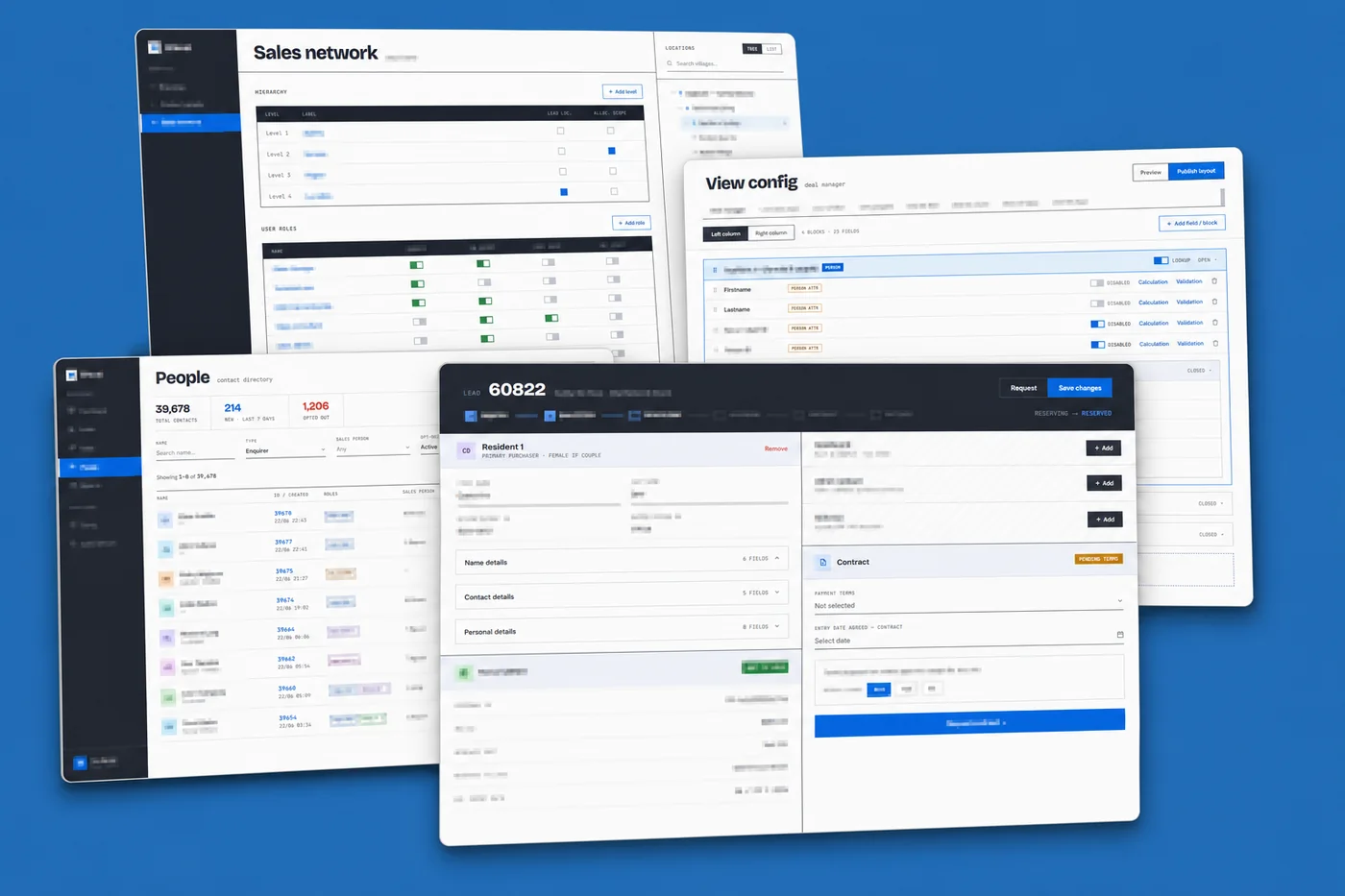
A custom CRM includes exactly the modules your sales process needs — no more, no less. These are the components tPanel builds most often:
Lead and Contact Management
Capture leads, contacts, companies, source channels, notes, files and communication history in one structured system.
Sales Pipeline Tracking
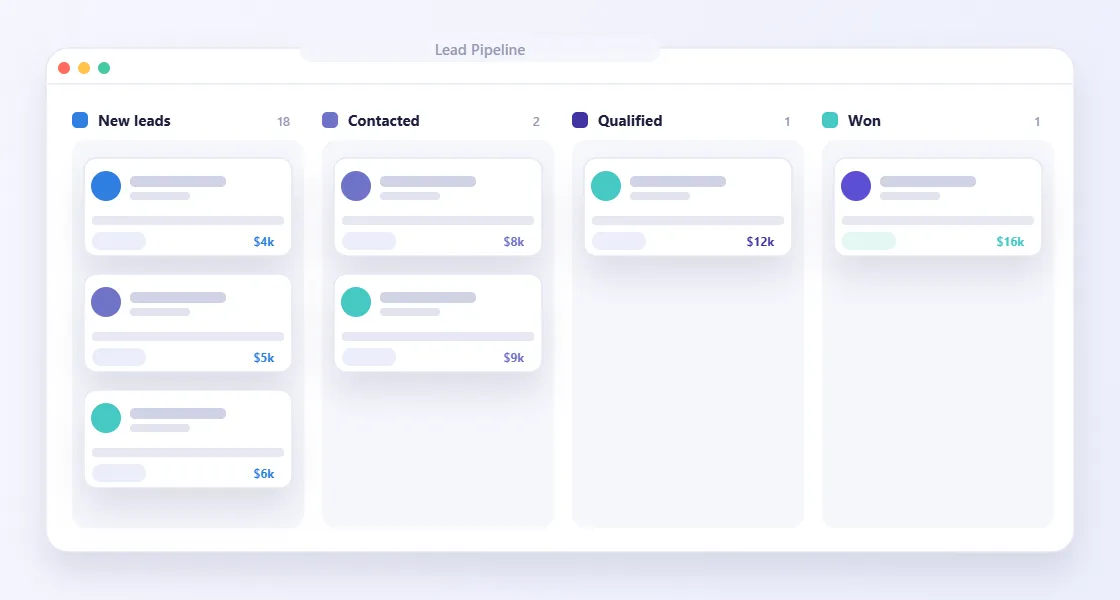
Define stages that match your real sales process, from new enquiry and qualification to proposal, follow-up, won, lost or delayed.
Follow-Up Reminders
Create automatic tasks, reminders and escalation rules so valuable leads do not disappear after the first conversation.
Role-Based Access
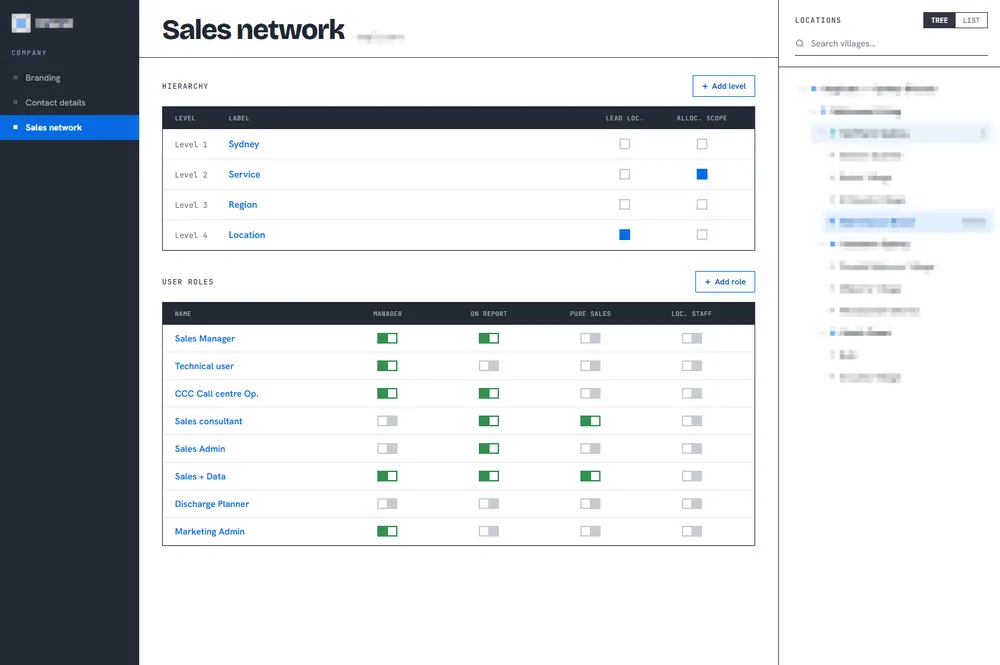
Give sales reps, managers, admin staff and directors the right level of visibility without exposing unnecessary information.
Reporting Dashboards
Track lead sources, conversion rates, pipeline value, follow-up activity, lost reasons and team performance.
CRM Integrations
Connect your CRM with website forms, advertising leads, email, calendars, Xero, Stripe, HubSpot, Salesforce, SMS platforms or custom APIs.
If your sales team needs CRM access away from the desk, tPanel can also build a mobile CRM app.
Built for Adoption
A CRM only works if the team uses it.
We design around the daily workflow of the people entering, updating and acting on customer information. The goal is to reduce admin friction, keep data useful and make the next action obvious.
How Does tPanel Build a Custom CRM?
Custom CRM development at tPanel starts with the sales workflow, not the software. Three stages take a project from first conversation to a CRM the team actually uses.
Sales Workflow Discovery
We map how leads arrive, how they are qualified, who follows up, what stages matter and where opportunities currently get lost.
CRM Scope and Data Design
We define records, fields, statuses, permissions, dashboards, automations and integrations for the first version.
Build, Integrate and Launch
We develop the CRM, connect important platforms and help your team move from manual tracking into the new workflow.
How a Consulting Firm Replaced HubSpot with a CRM Built for Their Sales Process
A boutique consulting firm with a four-stage sales cycle — enquiry, discovery call, proposal, negotiation — had tried HubSpot twice. Both times, adoption collapsed within three months. The platform had hundreds of fields irrelevant to consulting, the pipeline stages did not match the actual workflow, and salespeople reverted to a shared spreadsheet that managers could not trust for forecasting.
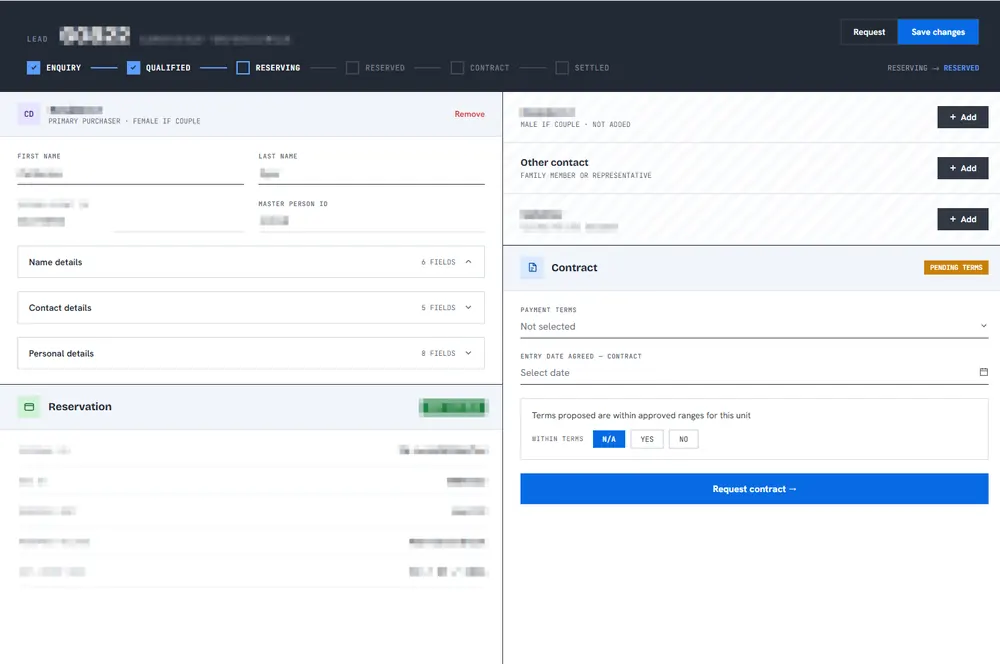
tPanel built a custom CRM with exactly four pipeline stages. Each stage shows only the fields relevant at that point in the sale. Follow-up reminders are assigned automatically when a lead moves to the next stage. Proposal documents are stored directly against the contact record. The director receives a weekly email digest showing pipeline value broken down by stage and consultant.
Within two weeks of launch, the entire team was using the system consistently — something that had never happened with HubSpot across two separate rollouts. Pipeline accuracy improved enough that the firm could forecast monthly revenue with confidence for the first time. The CRM contains only what the sales process actually needs.
How a Multi-Office Sales Team Got a Custom CRM That Syncs With HubSpot and Salesforce

A services business with sales teams across several offices was running on a standard CRM that never quite fit. Leads from different channels had to be matched to the right local office, assigned around who was actually working that day, and followed up on a set schedule — none of which the off-the-shelf CRM handled the way the business worked. Reps tracked the gaps in spreadsheets and memory, and managers could not see a reliable picture.
tPanel built a custom CRM shaped around that exact workflow. Every enquiry is recorded and routed to the office covering the customer's location, assigned to an available salesperson by a fair-allocation rule, and pushed to that rep by SMS. A companion mobile app lets reps call and update the lead on the spot, and a fixed follow-up cadence prompts the first call and each callback. Crucially, the custom CRM does not replace the company's main CRM — every record syncs to HubSpot or Salesforce, which stays the system of record.
The team now works in a CRM that matches how they actually sell, instead of bending their process to fit a packaged tool. Assignment is instant and fair, follow-ups run on schedule, and the business keeps its existing HubSpot or Salesforce data intact and up to date.
How Much Does a Custom CRM Cost in Australia?
Most custom CRM software projects in Australia fall between A$12,000 and A$45,000, depending on how many workflows, integrations and dashboards the system needs. A focused CRM covering lead capture, pipeline stages and follow-up reminders sits at the lower end; a full system with role-based dashboards, multiple integrations, AI-assisted steps and a mobile app sits higher.
The structural difference from HubSpot or Salesforce is the ongoing cost. tPanel charges a fixed A$1,000 per month for maintenance and support — not a percentage of the build, and not a per-seat fee. A subscription CRM charges per user every month, so the cost climbs every time the team grows.
- Build: one-off A$12,000–A$45,000 for a mid-sized custom CRM
- Maintenance: fixed A$1,000/month, regardless of how many people use it
- No per-seat fees: adding the 5th or the 50th user does not change the price
For a team of any real size, a one-off build plus a fixed monthly fee usually costs less than per-seat SaaS within 12–18 months. For a full breakdown across project types, read the custom software cost guide for Australia.
Custom CRM vs HubSpot or Salesforce: How to Choose
A custom CRM is not always the right answer. HubSpot, Salesforce and similar platforms are a strong fit when your sales process is fairly standard and you value a large app marketplace over a tailored workflow.
A custom CRM usually makes more sense when:
- Your pipeline stages, assignment rules or quoting steps don't fit a packaged tool
- Adoption keeps failing because the platform feels like admin work
- Per-seat subscription costs keep climbing as the team grows
- You need deep integration with internal systems the SaaS platform can't reach
- The CRM is one part of a wider set of custom business systems you're consolidating
It is not always either/or. As the example above shows, tPanel can build a custom CRM that syncs to HubSpot or Salesforce rather than replacing it — keeping the platform as the system of record while fixing the workflow around it. For a deeper comparison, see custom CRM vs off-the-shelf.
FAQ
When should a business build a custom CRM?
A custom CRM is useful when standard CRM tools do not match your workflow, create too much manual work, or fail to give managers reliable visibility. For a full comparison, read custom CRM vs off-the-shelf CRM.
Can a custom CRM replace HubSpot or Salesforce?
Yes, in some cases. A custom CRM can replace generic platforms when your needs are focused, workflow-specific and better served by a tailored system.
Can you integrate a custom CRM with our existing tools?
Yes. tPanel can connect a custom CRM with website forms, email, calendars, accounting tools, payment platforms, marketing systems and other APIs.
Can we start with a simple CRM first?
Yes. Many CRM projects start with lead tracking, follow-up reminders and pipeline visibility, then expand into automation, dashboards and AI features.
How long does custom CRM development take?
A focused CRM with lead tracking, pipeline stages and follow-up reminders typically takes 4–6 weeks. A full CRM with dashboards, integrations, AI features and mobile access may take 10–14 weeks.
Is a custom CRM more expensive than HubSpot or Salesforce?
The upfront build cost is higher, but there are no monthly seat fees, per-contact charges or feature tiers. Most businesses recover the investment within 12–18 months compared to ongoing subscription costs at scale.
Can the CRM grow as our business changes?
Yes. We build with extensibility in mind. It is straightforward to add new pipeline stages, user roles, reporting views, integrations or AI-assisted features after the initial version is live.
Build a CRM Your Team Will Actually Use
If your CRM is not matching the way your team sells, tPanel can help you build a system around your real sales process.